

Survey Distribution & Participation
Once a survey is scheduled and published, it is automatically distributed to the selected recipients. This section explains how the survey is delivered and how recipients interact with it.
Survey Distribution
After successful publishing:
-
The survey is automatically sent to all selected recipients
-
Each recipient receives an email invitation
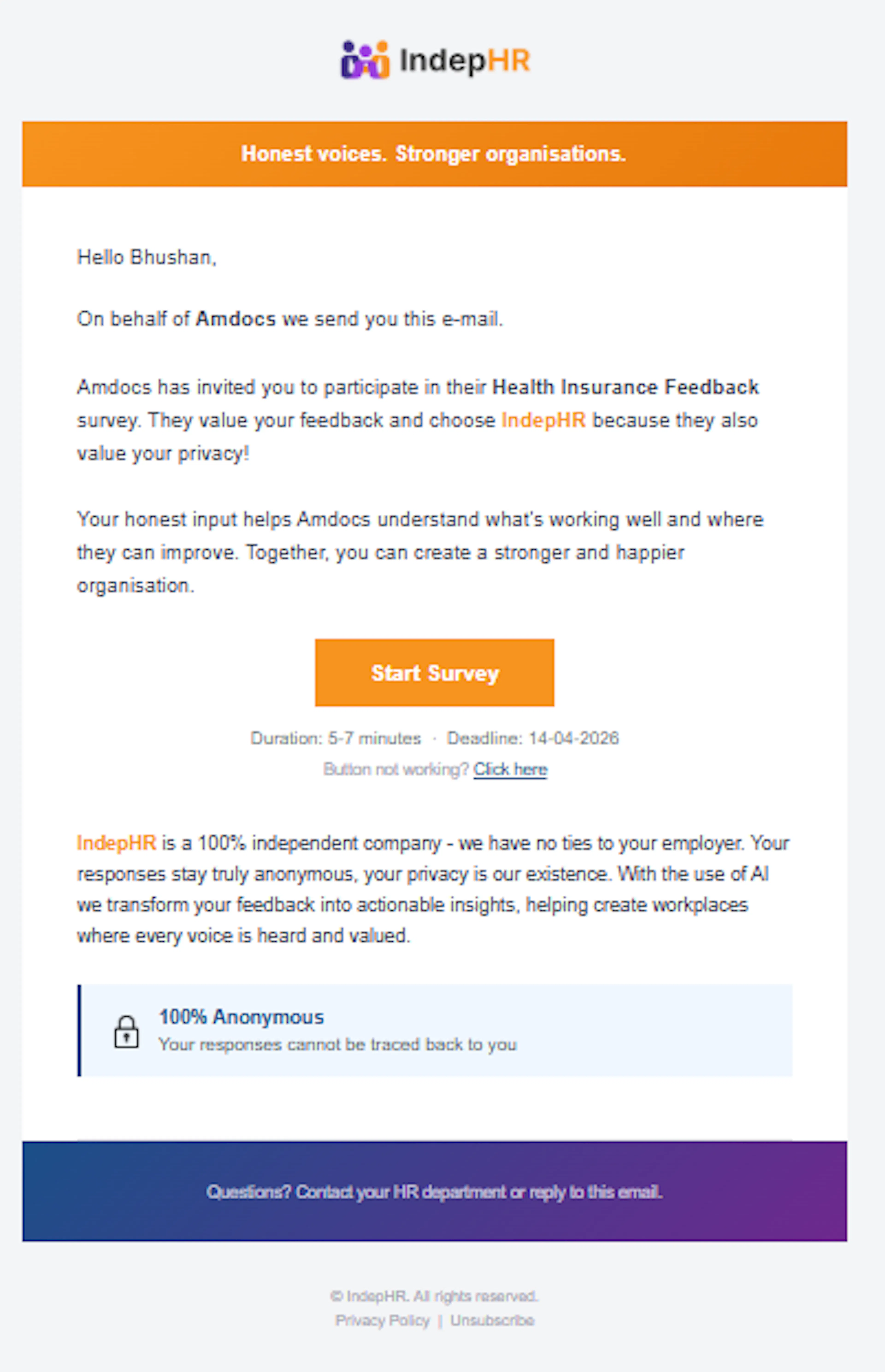
- The email contains a secure link to access the survey
No manual sharing is required—distribution is handled by the system.
Receiving the Survey Email
Recipients will:
-
Receive an email notification at the scheduled time
-
See a link to access the survey
If the email is not found, recipients should check their Spam/Junk folder
Accessing the Survey
-
Click on the link provided in the email
-
The survey opens directly in the browser
-
No login or setup is required (if applicable in your system)
Completing the Survey
Recipients can:
-
Answer different types of questions, such as:
-
Open-ended
-
Multiple choice
-
Single choice
-
Rating
-
Ranking
-
-
Move through the survey easily
-
Review their responses before submission
Submitting Responses
- After completing all questions, click Submit
Once submitted:
-
Responses are recorded successfully
-
Changes cannot be made after submission
Submission Deadline
-
Each survey has a defined deadline set during scheduling
-
Responses must be submitted before the deadline
After the deadline:
-
The survey link becomes inactive
-
No further responses can be submitted
Outcome
-
Surveys are delivered automatically to recipients
-
Participants complete and submit responses
-
Data is collected and prepared for report generation